Thirty years after Denso Wave invented the QR code to track car parts, it became the world’s menu, payment terminal, and WiFi card — one scan instead of typing a 24-character password. Generating one takes seconds. Generating one that keeps working takes three small decisions this guide walks through.
How to Create a QR Code Online Free (3 Steps)
- Choose the content. Open the QR Code Generator and pick what the code carries — a URL, plain text, WiFi credentials, or contact details. Everything is generated in your browser; the data never reaches a server.
- Generate and style. The code appears instantly. Adjust colors if the tool allows, keeping contrast strong — dark code on a light background is what scanners expect.
- Test-scan, then download. Point a phone camera at it before printing or publishing — the ten-second test that catches every bad code. Then download in the largest size available.
Static vs Dynamic: The One Decision That Matters
Every QR guide eventually hits this fork, so here it is plainly. A static code encodes the information directly in the image — the WiFi password, the destination URL — and works forever with no middleman. A dynamic code encodes a short redirect URL controlled by a service, so the destination can change later (usually in exchange for a subscription and scan tracking). Scanova’s comparison and Jotform’s guide land on the same rule: static for permanent information, dynamic when the target changes or you need analytics.
| Use case | Best type | Why |
|---|---|---|
| Guest WiFi | Static | Credentials rarely change; works with no dependency |
| Fixed payment ID / tip jar | Static | Merchant ID never changes (standard for UPI merchants) |
| Restaurant menu | Static → stable URL | Point at a page you update — never reprint |
| Marketing campaigns | Dynamic | Editable destinations and scan analytics |
The WiFi Code: The Best Free Win
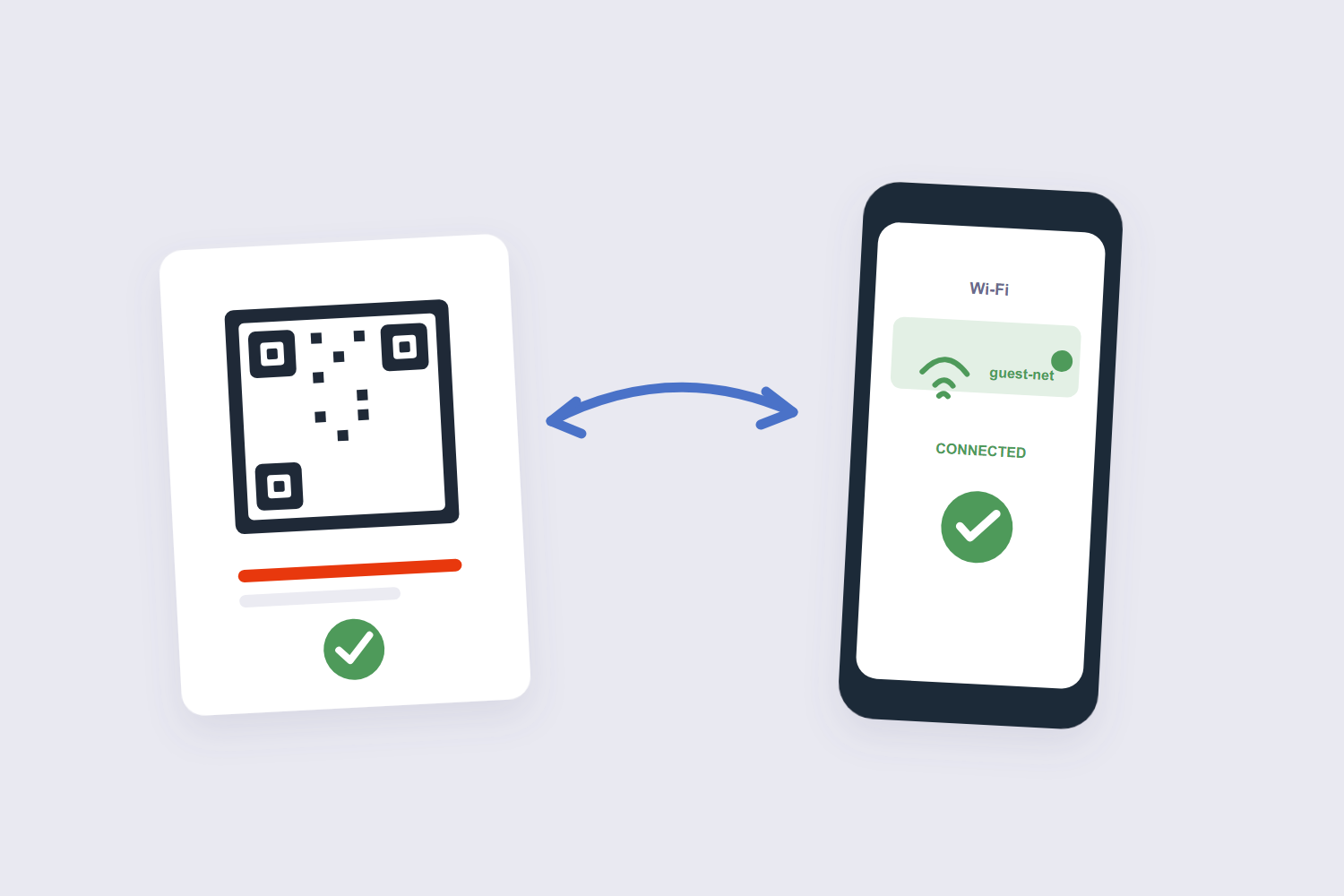
If you make one QR code this year, make this one: a static code carrying your guest network credentials, printed and stuck where visitors sit. Guests scan, join, done — no spelling out passwords with special characters over kitchen noise. It’s a recurring LifeProTip for a reason.
One security boundary matters: the code should carry your guest network, never the primary one — guest networks exist to be shared. Some routers even support rotating guest passwords, which pairs nicely with re-printing a fresh code occasionally.
Print-Quality Rules (and the Scam Warning)
Print codes big and high-contrast. The working heuristic: the code’s width should be about a tenth of the expected scanning distance — a table-tent scans from half a meter at a few centimeters wide; a wall poster needs serious size. Add the quiet zone (the blank margin around the code), never invert the colors, and test with two different phones before a print run. Security teams, including Hong Kong’s CERT, add a sharper warning for businesses: tampered stickers are a real attack — “quishing” — where scammers swap a payment code for their own. Inspect table stands, use tamper-evident holders for payment codes, and keep codes branded so customers recognize the real one. QR codes carry four error-correction levels: L recovers about 7% of the symbol, M about 15%, Q about 25% and H about 30%. A QR code holds up to 2,953 bytes, 4,296 alphanumeric characters or 7,089 digits in its largest version (version 40). Practically, a URL of 50–80 characters encodes in a version 3 or 4 symbol, which is what keeps the pattern coarse and easy to scan. Higher correction survives a logo in the middle or a smudge, at the cost of a denser pattern — M is the usual default for links.
Frequently Asked Questions
Do QR codes expire?
Static codes don’t — they’re just data printed in a pattern, scannable forever. What expires is a dynamic code’s redirect, if the service behind it shuts down or the subscription lapses. That’s the honest case for static wherever the information is permanent.
Can I make a QR code for free without sign-up?
Yes — our generator runs in your browser, no account, no watermark. Free generators that require sign-in are usually selling the dynamic-tracking tier.
Can I change where an existing QR code points?
Not the code itself — a static code is frozen. The workaround: point a static code at a URL you control and change the page’s content, or use a dynamic service and accept the dependency.
How big should a printed QR code be?
Roughly one-tenth of the scanning distance: 10 cm wide for a 1-meter scan. Denser content (long URLs) needs more size; test-scan from the realistic distance before printing. A QR code needs a quiet zone — a blank margin of at least four modules on every side. Cropping into that margin is the single most common reason a printed code stops scanning.
Are QR codes safe to scan?
The code itself carries no danger — it’s text. The risk is the destination: a scan can open a malicious link. Check the URL your camera previews before tapping, and treat unexpected QR stickers in public with the suspicion they’ve earned.
Can a QR code store WiFi passwords?
Yes — WiFi is one of the standard payload types, and phones read it natively: scan, confirm, connected. Use the guest network’s credentials, and the code is both convenient and safe to share.
Pick static for permanence, test-scan before printing, size for the distance. If the code’s landing page needs a PDF — a menu, a guide — our HTML to PDF tool and the Word to PDF guide produce it.
