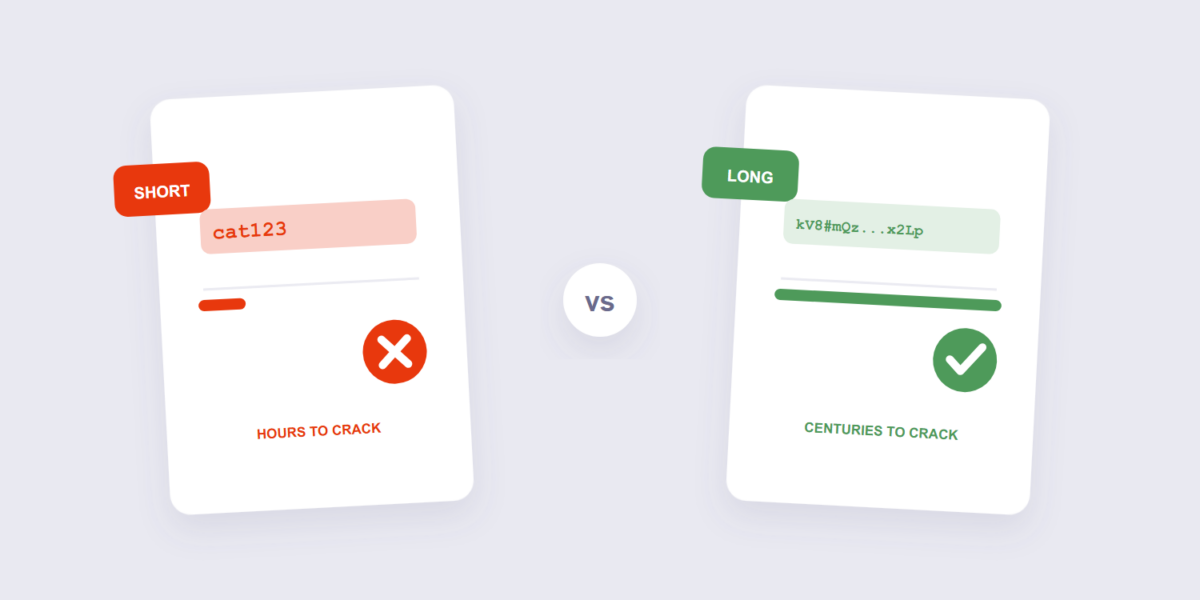
The irony of passwords in 2026: we have more authentication than ever and the same weak habits — birthdays, “password123”, the same trusty phrase across twelve sites. Credential-stuffing attacks don’t hack your password; they reuse it, testing breaches from one site against every other site you have. A strong, unique password per site is the whole defense, and generating them is a solved problem.
This guide covers generating with our Password Generator, the length rule that matters more than symbol soup, and where the generated passwords should live — because a brilliant password on a sticky note is a donation to whoever finds it.
How to Generate a Strong Password (3 Steps)
- Set the length. Open the Password Generator and pick 16+ characters — 16 is a sensible floor for anything that matters, and longer costs nothing. Choose your character mix (letters, digits, symbols).
- Generate. The password is created locally in your browser using random generation — nothing is transmitted, logged, or stored anywhere.
- Copy it straight into a password manager. Don’t admire it, don’t screenshot it — it exists to live in the manager, where it’s backed up, synced, and filled for you.
Length Beats Complexity — The Actual Math
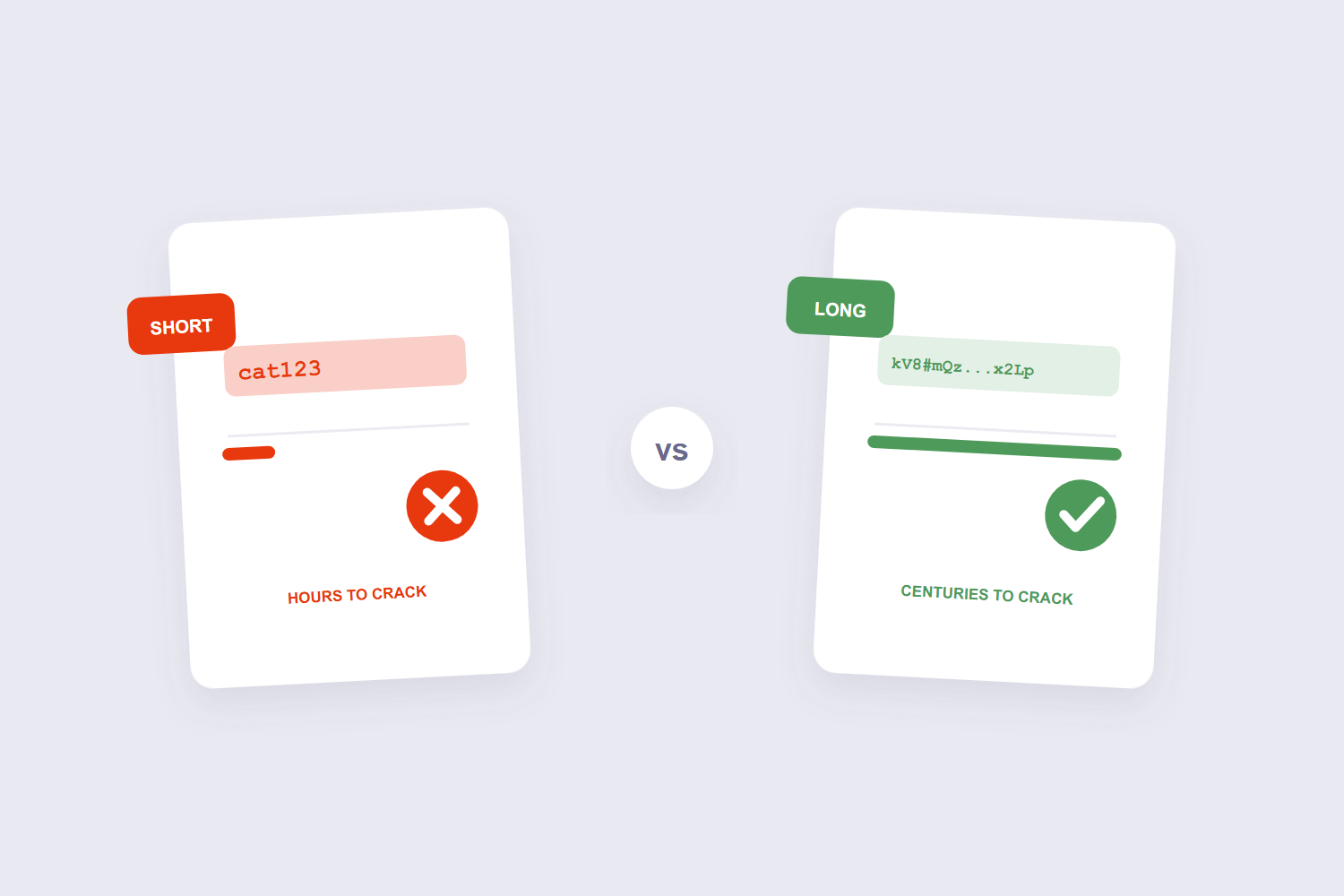
Every added character multiplies the search space; every added symbol type only adds a little. That’s why modern guidance — including the influential NIST password guidelines — prioritizes length over mandatory symbol rules, and warns against forced composition rules that just produce predictable patterns (“Password1!”). The comparison makes it concrete: an 8-character password with full character chaos falls to brute force in hours on modern hardware; a 16-character one takes centuries. Length is the multiplier that actually protects.
This is also why “P@ssw0rd!” is a bad password despite checking every complexity box — it’s short, and its substitutions are the first patterns cracking software tries. Complexity theater, as security researchers bluntly call it.
The Passphrase Trick for Passwords You Must Type
Random strings are unbeatable but untypeable — and some passwords get typed daily (the laptop login, the phone unlock). For those, the four-random-words passphrase wins: cobble-brass-tundra-9 is long (high entropy from the random word choice), memorable, and fast to type on a phone keyboard. The words must be genuinely random — a famous quote or song lyric is a pattern, and patterns are searchable. Generated word-based passwords from a tool keep the randomness honest.
Where Generated Passwords Go
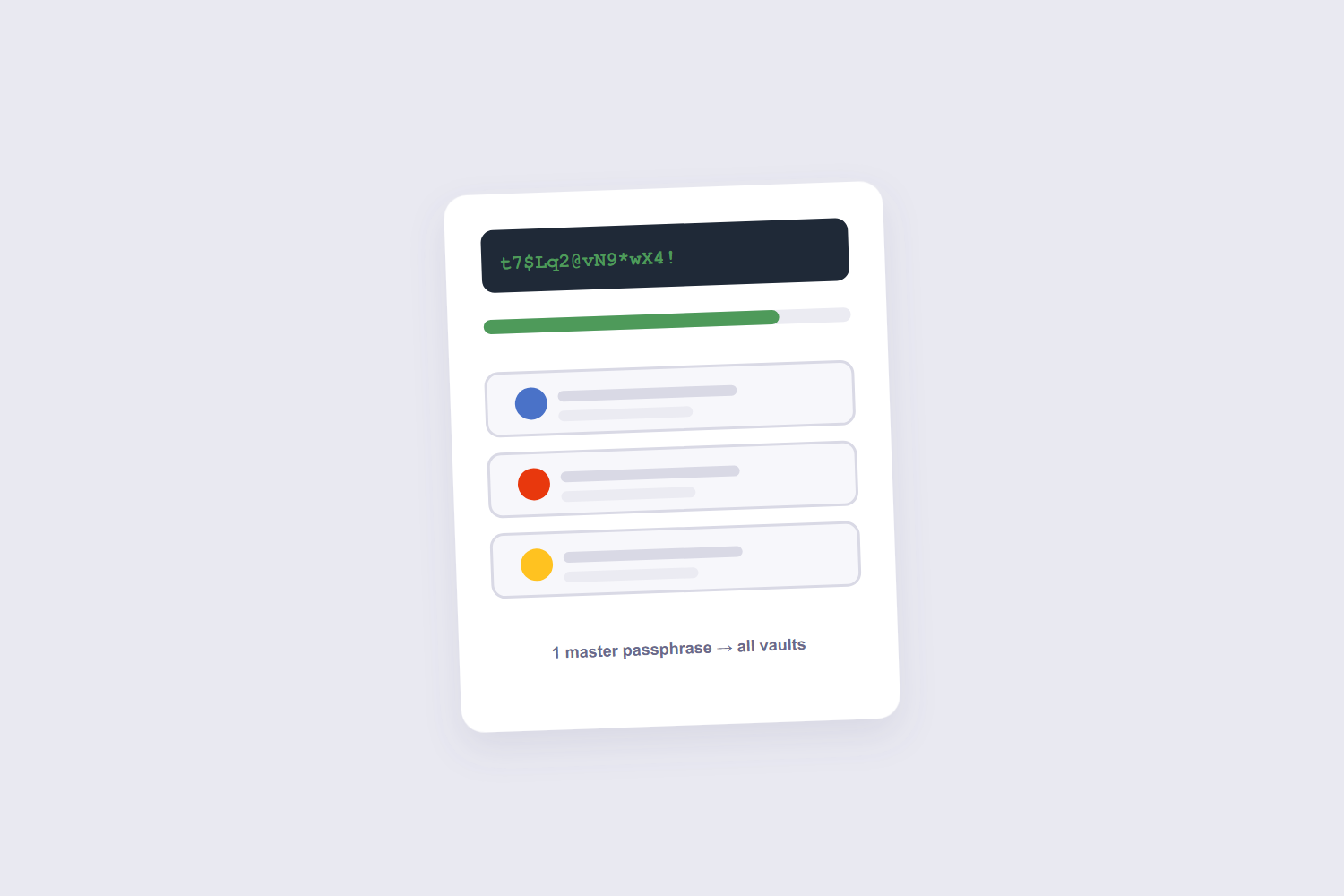
A password manager — Bitwarden, 1Password, KeePass, the one built into your browser — is the storage answer, and it’s worth spelling out why rather than just asserting it. Managers generate, store, and auto-fill; you remember one master passphrase instead of forty passwords. They sync across devices and they can’t be phished the way a sticky note or a notes app can be read. The one password you must protect absolutely is the manager’s own: make it a long passphrase, and store its recovery kit offline, on paper, somewhere a housefire can’t reach it.
The companion habit: never reuse. Uniqueness is what turns any future breach into a single-site problem instead of a domino run — and it’s the one rule that matters even more than length.
Frequently Asked Questions
Are online password generators safe?
A browser-based generator is — the password is created on your device and never transmitted, which is exactly how ours works. The pattern to avoid: generators that send results over the network or ask you to sign in first.
How long should a password be in 2026?
16 characters is the practical floor for anything that matters; 20+ for email and financial accounts (email is the recovery key to everything else). There’s no upper penalty except typing — and managers do the typing.
Are four random words really as strong as random characters?
Comparable, when the words are truly random — the entropy comes from which words were drawn, not their familiarity. The advantage is memorability and typing speed; the failure mode is choosing the words yourself instead of letting randomness do it.
Should I change my passwords regularly?
Not on a calendar anymore — modern guidance (NIST included) dropped mandatory rotation because it drives weak incremental passwords. Change when there’s a reason: a breach notice, suspected compromise, or sharing that shouldn’t have happened.
What about passkeys — do passwords still matter?
Passkeys are the future and adoption is growing fast — where a service offers one, take it. But most of the internet still runs on passwords, so a generator and manager remain the practical defense for years to come.
Can I check if my password has been breached?
Yes — breach-notification services let you check your email addresses against known leaks. If a password appears, change it everywhere it was reused (this is why uniqueness keeps the damage small).
Generate long, store in the manager, never reuse. The same randomness protects documents too — a long generated password is what our Protect PDF tool deserves, per the encryption guide.
