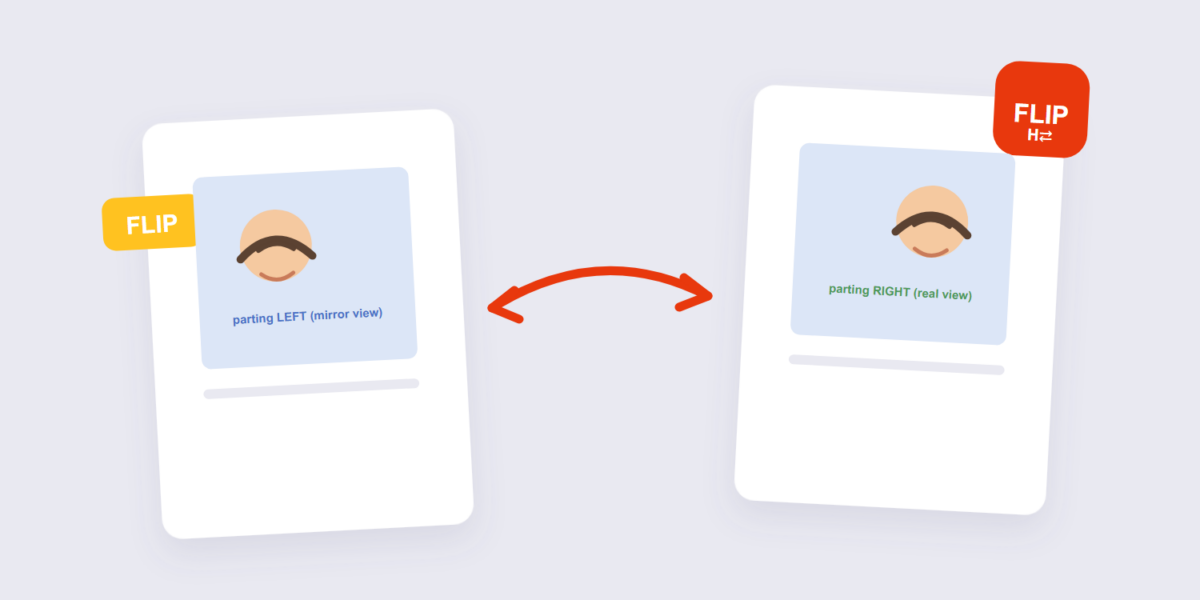
Flipping (mirroring) an image looks identical to the original at first glance — same subjects, same colors, same composition. Everything is just reversed left-to-right, like looking in a mirror. That’s exactly why it’s useful, and exactly why it goes wrong so easily.
This guide covers the flip with our Flip Image tool, the legitimate uses (selfies, design mirroring), and the three content types you should never flip.
How to Flip an Image Online Free (3 Steps)
- Add the image. Drop it into the Flip Image tool — processed on your device.
- Choose the flip. Horizontal (mirror left-right) or vertical (upside-down mirror). Horizontal covers most uses.
- Apply and download. The mirrored version downloads, quality untouched — a flip is a pixel remapping, no loss.
The Legitimate Uses of Flipping
The best-known use: fixing the selfie mirror effect. Front cameras show you a mirrored preview, so the saved photo looks subtly wrong to your own eye — parting on the wrong side, familiar features slightly alien. Flipping it back matches your self-image. It’s cosmetic, subjective, and completely fair.
The design uses: mirrored variants for compositions (subject facing into the layout instead of out of it), duplicate elements for patterns, and balancing layouts where the same image should appear facing opposite directions on two sides.
Never Flip These
| Content | Why flipping breaks it |
|---|---|
| Text | Becomes unreadable backwards writing |
| Logos | Brand marks mirror into nonsense (and misuse) |
| ID cards, documents, certificates | Mirrored documents are invalid and suspicious |
The document row deserves emphasis: a flipped ID scan looks like tampering, because it is. If an upload portal rejects your document for orientation, rotate it — never flip it.
Frequently Asked Questions
Does flipping an image reduce quality?
No — flipping is a pixel remapping, every pixel moves to its new position unchanged. Like 90° rotation, it’s lossless.
Why does my flipped selfie look better to me but worse to others?
You’ve seen yourself in mirrors most of your life; others have seen the un-mirrored you. Neither is “correct” — it’s a familiarity effect. If it’s your face, pick whichever you prefer.
What’s the difference between flip and rotate?
Rotate turns the image around an axis (the subject stays the same orientation, just turned). Flip mirrors it. For fixing sideways photos, rotation is the answer — flipping would make text backwards.
Can I flip multiple images at once?
Yes — batch flipping works for sets like mirrored design variants.
Flip for selfies and design, rotate for orientation, never flip the text. If the mirrored image needs cropping into a layout afterward, the crop tool pairs with it.
