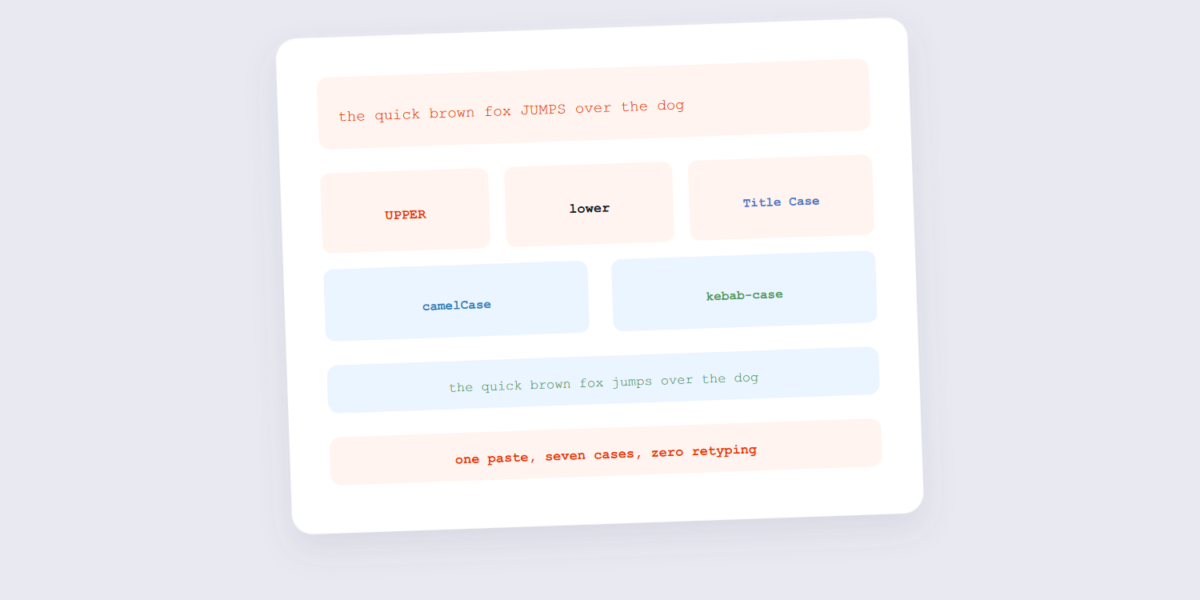
Retyping a paragraph because someone wrote it in ALL CAPS is a special kind of tedious. Text case converters exist so nobody ever does that again — paste, click, copy. But the tool’s real value is the case vocabulary: each case type has a specific job, and knowing which one to reach for is the skill.
This guide covers the conversions with our Text Case tool and a field guide to the cases — including the programmer cases that look like typos until you’ve met them.
How to Convert Text Case Online Free (2 Steps)
- Paste your text. Drop it into the Text Case tool — nothing is uploaded, the conversion runs as you type.
- Pick a case and copy. Click the case you need (UPPERCASE, Title Case, camelCase, and so on) and copy the result straight back to your clipboard. PDF-to-Word conversion reconstructs text runs, not the original formatting. The converter infers paragraphs from positions on the page, so a document built from tables or text boxes often arrives as a stack of frames rather than editable paragraphs.
The Case Field Guide
| Case | Looks like | Used for |
|---|---|---|
| UPPERCASE | EVERY LETTER SHOUTS | Headings, warning labels — sparingly |
| lowercase | everything down | URLs, email, modern branding |
| Title Case | Every Word Capitalized | Headings, book titles |
| Sentence case | Like a normal sentence | Body text, readable copy |
| camelCase | camelCaseForVariables | JavaScript/Java variables |
| kebab-case | kebab-case-for-urls | URL slugs, CSS classes |
| snake_case | snake_case_for_python | Python variables, database fields |
| PascalCase | PascalCaseForClasses | Class and component names |
| CONSTANT_CASE | CONSTANT_CASE_VALUE | Constants and environment variables |
The most valuable conversion for writers is ALL CAPS → Sentence case — cleaning up a shouty email or form entry. For developers, the camel↔snake↔kebab conversions save constant manual retyping when moving between languages with different conventions.
Frequently Asked Questions
Does Title Case capitalize small words?
Proper title case skips articles and short prepositions (“the”, “of”, “and”) unless they start the title. Simple tools capitalize every word — check which yours does before submitting a title. DOCX stores content as XML inside a ZIP container, which is why the same document can be read by Word, LibreOffice and Google Docs. PDF stores fixed-position drawing instructions, which is why it looks identical everywhere but is far harder to edit back.
Is my text private in a case converter?
With a browser-based tool, yes — the conversion is string manipulation on your device, nothing transmitted. The usual cause of a shifted Word-to-PDF conversion is fonts the converter cannot find. Word documents reference fonts by name; if the converting machine does not have that font, it substitutes the closest match and every line break can move. Word counts differ by tool because they disagree about what a word is. Microsoft Word counts a hyphenated compound as one word, many online counters count it as one too, but a string like ‘state-of-the-art’ is four tokens to a tokeniser and one to a reader.
Why do programmers have so many cases?
Because variable names can’t contain spaces, each language filled the gap differently — camelCase in Java, snake_case in Python, kebab-case in URLs and CSS. The case is the convention, and consistency is the point.
Can I convert text case on my phone?
Yes — the tool runs in your browser, so it works the same on a phone or tablet as it does on desktop.
Will converting case fix spelling or grammar too?
No — a case converter only changes capitalization, not spelling, grammar, or punctuation. It’s a formatting tool, not a proofreader.
Paste, convert, copy. If the text is locked inside a PDF, the PDF to Text tool extracts it first — then convert the case.
