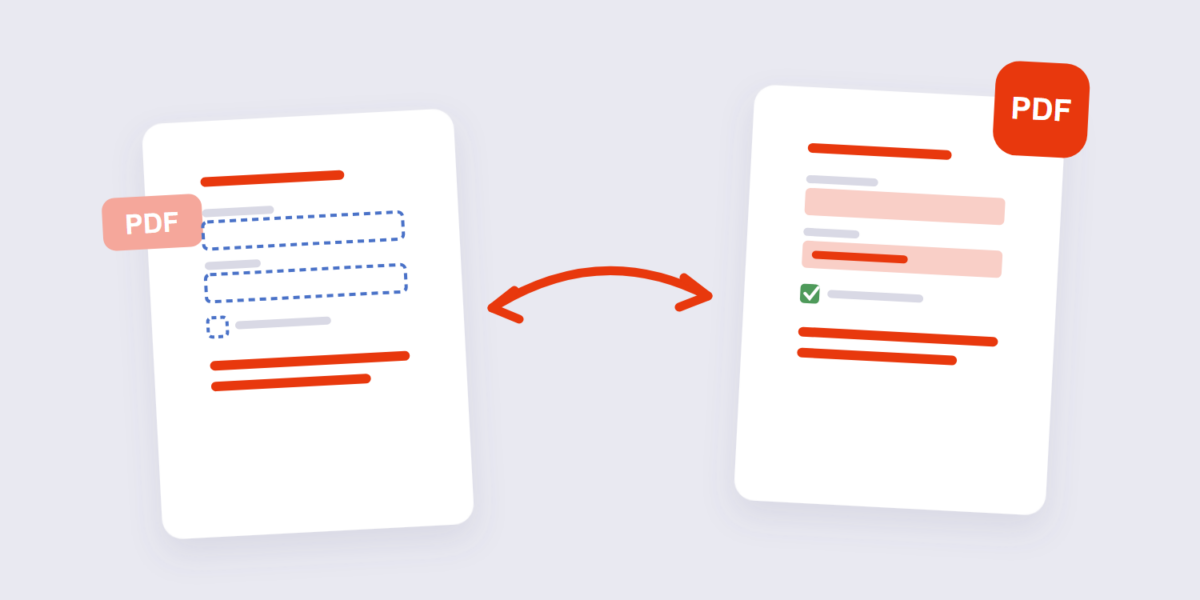
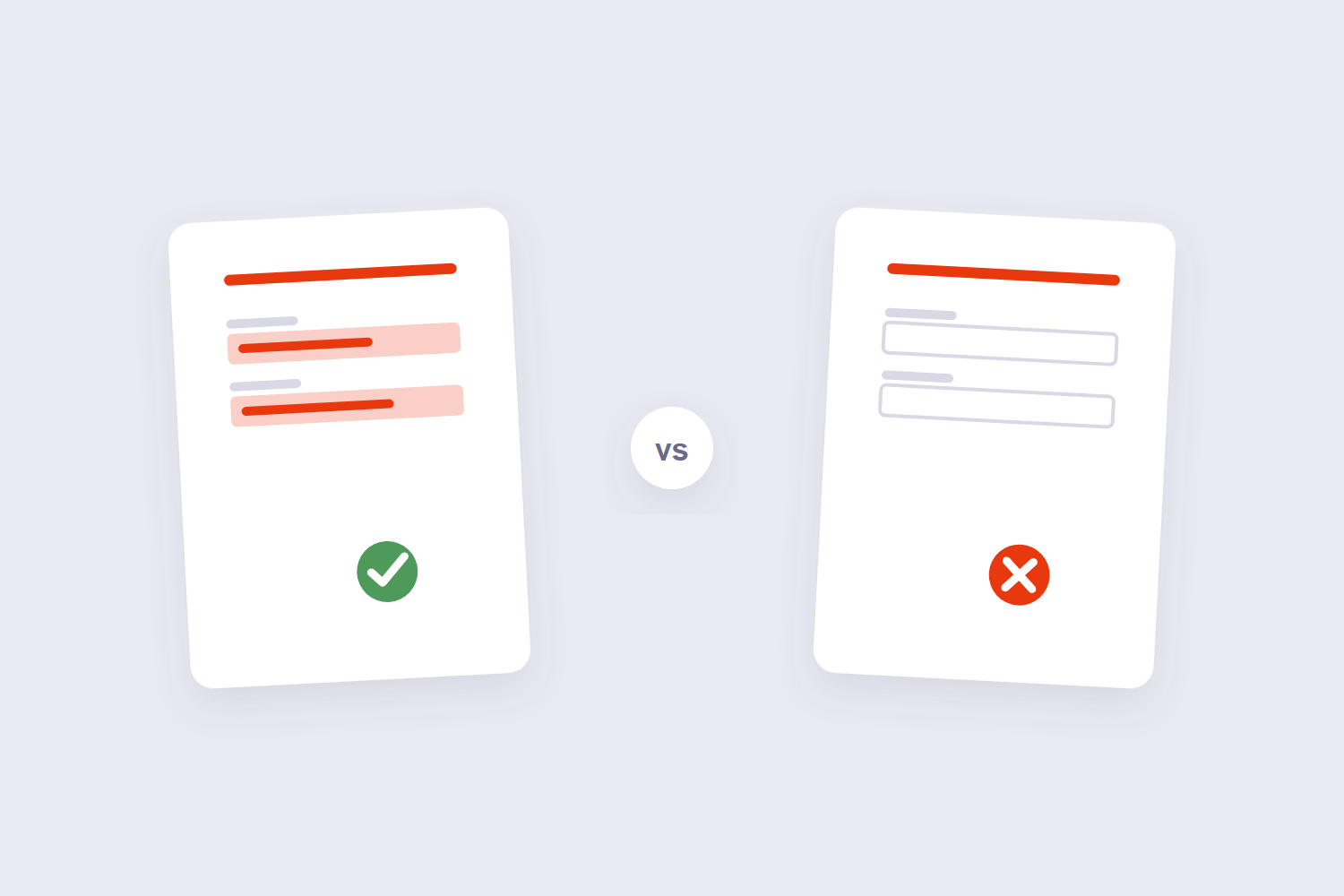
You filled in a form, checked every field, sent it — and the recipient opens a document with empty boxes where your answers should be. Nobody typed anything wrong. The data is there; it’s just stored as separate interactive objects sitting on top of the page, and not every PDF viewer bothers to draw them.
Flattening is the fix: it melts every field, comment, and layer into the page itself so the file looks identical everywhere. This guide covers when to flatten (and when you’d regret it), the two-step routine that makes flattened forms safe to send, and the honest downsides — because flattening is a one-way door.
How to Flatten a PDF Online Free (3 Steps)
- Add the PDF. Drop the file into the Flatten PDF tool. It runs in your browser — forms with personal data never get uploaded anywhere.
- Flatten. One job: every interactive element on every page is converted into fixed page content.
- Download. The output looks pixel-identical on your screen, but now it renders the same on every viewer — including the cheap mobile ones that skip form fields.
Why Filled Forms Arrive Blank on the Other End
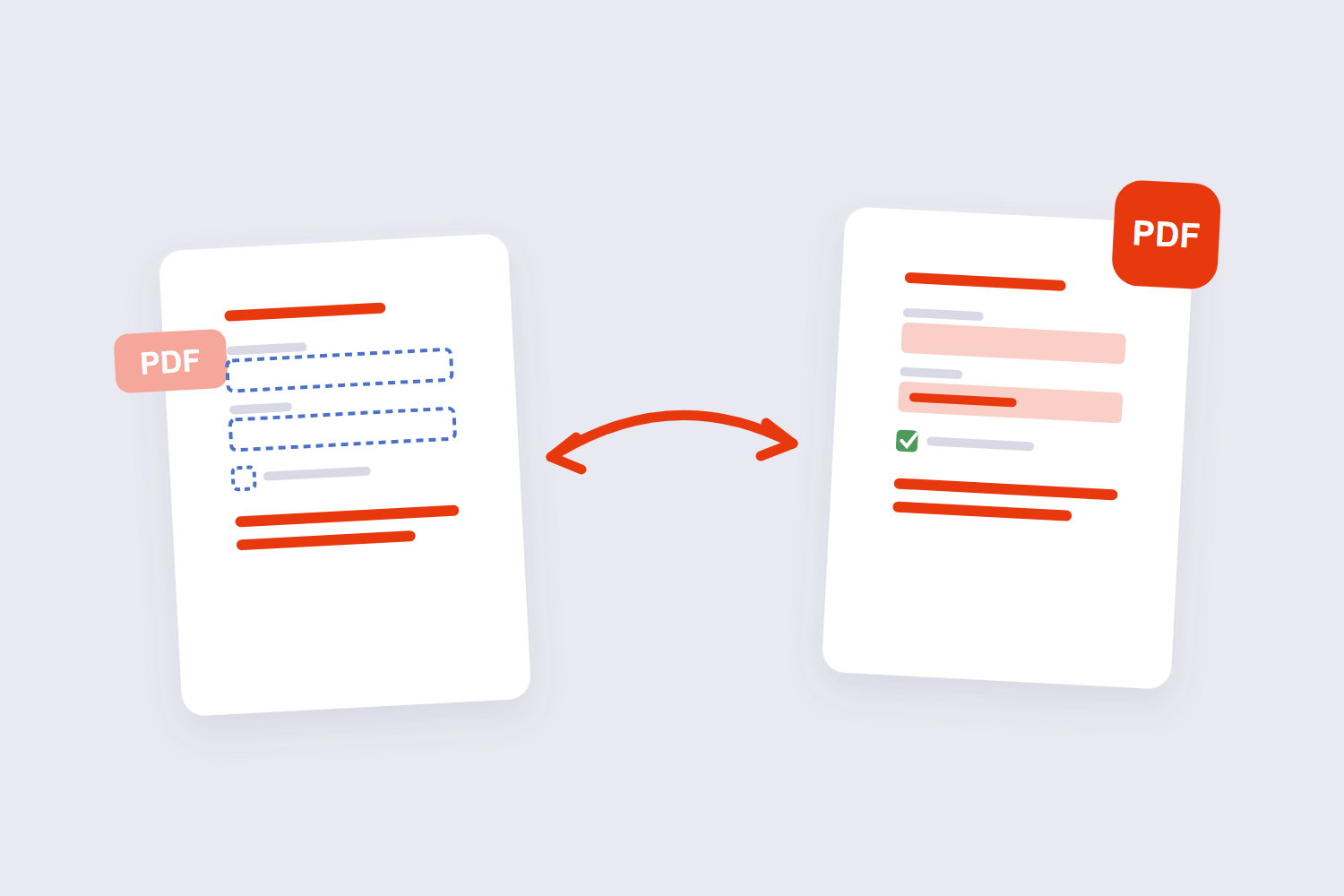
A PDF with fillable fields is really two things in one file: the page design, and a layer of interactive field objects (name boxes, checkboxes, signature areas) that the viewer draws over the design. Full PDF apps draw that layer fine. Basic viewers — some phone browsers, old print drivers, embedded preview panes — don’t, and that’s exactly when filled data vanishes for the reader.
Flattening removes the split: the field objects become ordinary marks on the page, the same as the printed text. As one r/pdf thread puts it, the form fields become normal content. There’s nothing left for a viewer to skip.
When to Flatten — and When Not To
| Situation | Flatten? | Why |
|---|---|---|
| Sending a completed form | Yes | Recipient sees your answers in any viewer |
| Contract/invoice going out final | Yes | Fields can’t be quietly edited after signing |
| Print shop submission | Yes | Print drivers handle flat pages predictably |
| Form people still need to fill in | No | Flattening kills the fillable fields |
| You’ll need to extract the data later | No | Field values stop being machine-readable |
That last row is the one people learn the hard way. Once flattened, the form is a picture of an answer, not an answer — copy-paste and data extraction stop working on it. Flatten the copy you send; keep the interactive original.
The 2-Step Send Routine for Filled Forms
Step 1: flatten. This locks in what you filled — no blank surprises, no post-send edits. Step 2 (for anything confidential): encrypt. Flattening prevents accidents; it’s not access control. A flattened form with a salary on it still opens for anyone holding the file, so pair the two — the Protect PDF tool adds a real open password in the same browser session, and the encryption guide explains the difference between the two protections.
On Macs there’s a hidden flattener most people never notice: Preview’s print dialog with “Save as PDF” outputs a flattened copy — a known trick in the macOS community. It works in a pinch, though it re-renders the whole file; a dedicated flatten tool keeps the pages untouched apart from the baking-in. A PDF page’s dimensions are stored in points, and there are 72 points to an inch. So A4 is 595 × 842 points, US Letter is 612 × 792, and the two differ by about 6 mm in width and 18 mm in height — which is exactly why a Letter layout shifts on A4 paper.
Frequently Asked Questions
What does flattening a PDF actually do?
It converts interactive objects — form fields, annotations, comment layers — into fixed content painted onto the page. Visually nothing changes on a full PDF viewer; the difference appears in basic viewers and print pipelines, which now render everything identically.
Does flattening stop people editing my PDF?
It stops casual editing of form values — the boxes aren’t fields anymore, so clicking them does nothing. Rotation is stored as a per-page counter with three valid values — 90, 180 and 270 degrees clockwise. There is no arbitrary angle, because the entry is a quarter-turn number, not a transform matrix. Splitting or merging rewrites no image data. The pages are copied as objects and the new file gets a fresh cross-reference table, so a 100 MB document splits into parts that together occupy roughly the same 100 MB. It’s not encryption: a determined editor with a full PDF application can still alter page content. For access control, add a password.
Can I unflatten a PDF later?
No — flattening is one-way. The interactive fields are gone from that file. Keep the original fillable version before you flatten anything you might need to edit or extract from later.
Does flattening reduce file size?
Often slightly — removing the interactive layer and consolidating objects trims some overhead. But flattening isn’t a compression tool; for real size reduction use the PDF compressor.
Should I flatten before uploading to a government portal?
Usually yes. Portal validators are exactly the kind of basic parser that drops form-field layers, and flattened files also print predictably. Flatten, then upload — and keep the interactive original on your machine.
Is it safe to flatten a PDF online?
With a browser-based tool, the file is processed on your device and never uploaded — the version to use for filled forms with personal data. Server-based tools upload the document first, whatever their deletion policy says.
Flatten the copy you send, keep the original, encrypt when it’s personal. If the form also needs pages removed or reordered before it goes out, the delete pages guide covers that cleanup with the same thumbnail workflow.
