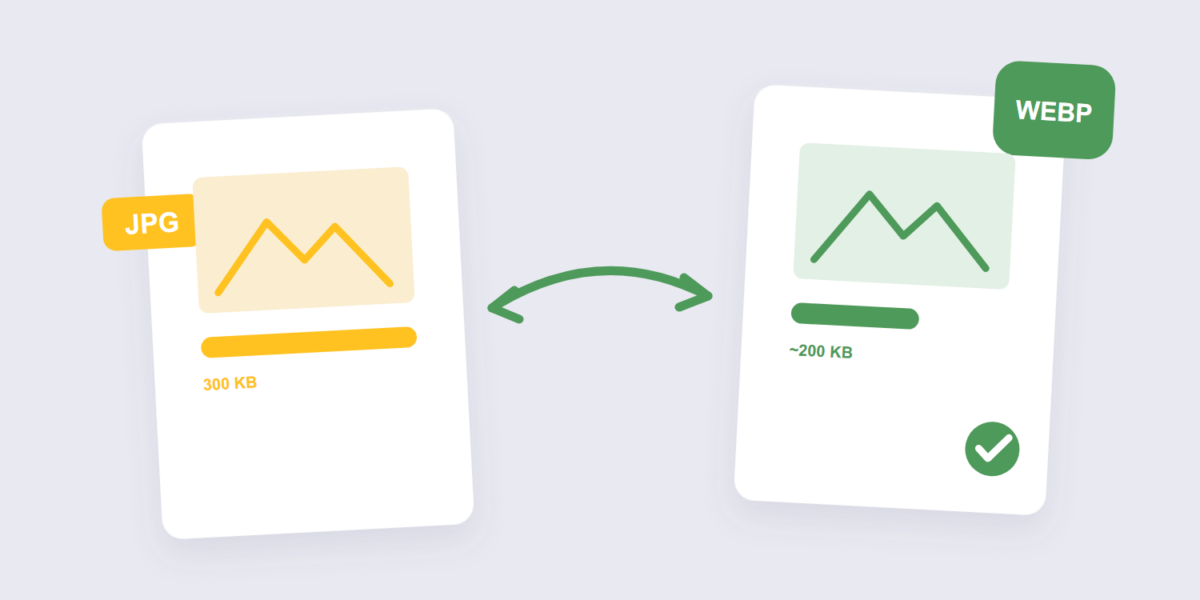
Every kilobyte of a web image is a kilobyte your visitors download, and most pages carry dozens of them. WebP — Google’s modern image format — attacks exactly that cost: same-looking images at radically smaller sizes. The catch used to be browser support; in 2026 that argument is mostly over.
Converting takes seconds with our Image to WebP tool. This guide covers the steps, why the format squeezes harder than JPG, the honest caveats, and the one compatibility case where JPG is still the safer send.
How to Convert Images to WebP Online Free (3 Steps)
- Add your images. Drop JPGs, PNGs, or a mixed batch into the Image to WebP tool. Conversion happens locally in your browser.
- Pick a quality level. Around 80% is the standard starting point — WebP’s efficiency means 80% here often looks better than JPG at 90%.
- Convert and download. Same images, same dimensions, a fraction of the weight.
Why WebP Beats JPG on Size
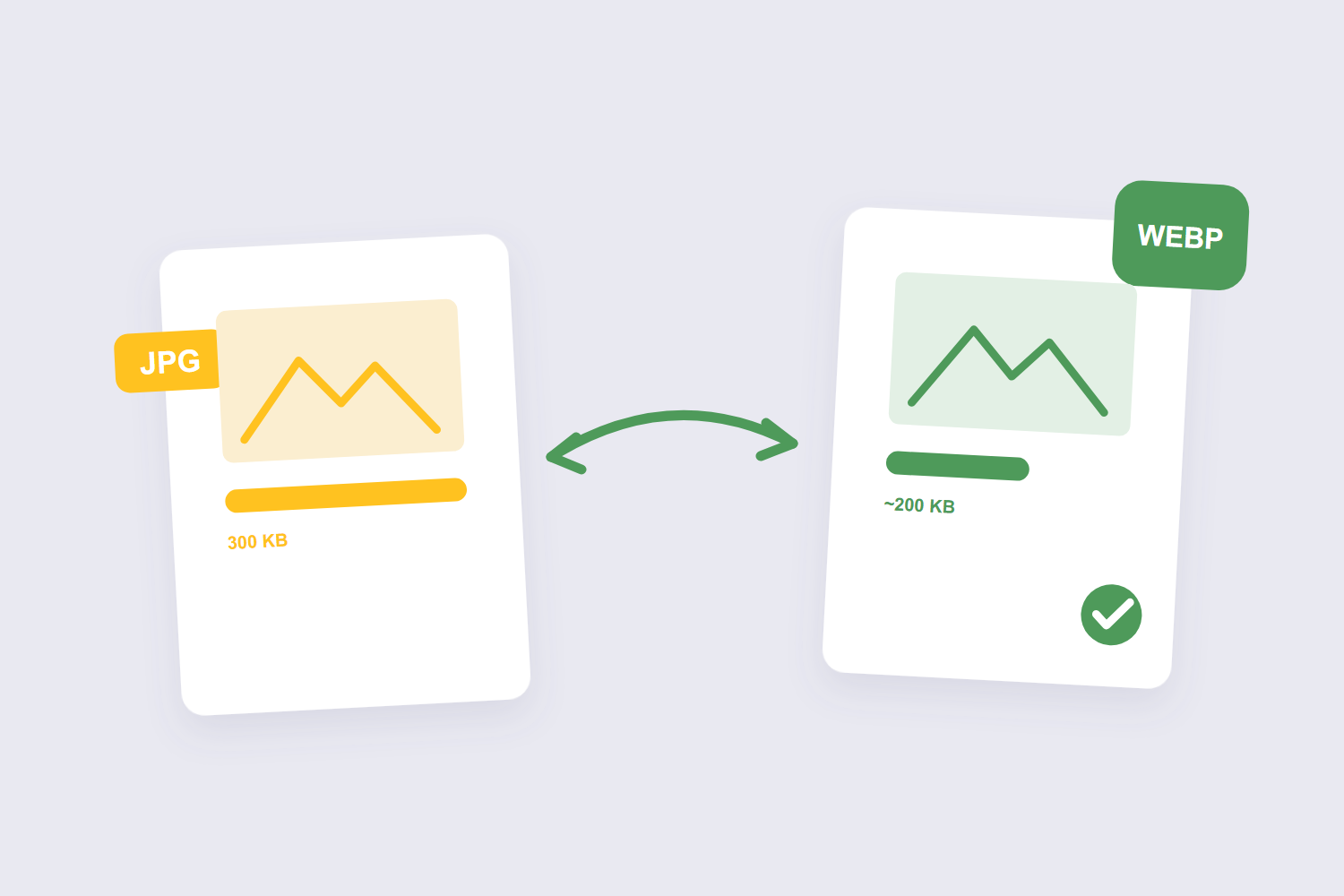
WebP uses a newer generation of compression than the decades-old JPG standard. Google’s own numbers put WebP lossy images 25–34% smaller than equivalent JPEGs at the same visual quality, and its lossless mode beats PNG too — while also supporting transparency and animation, which JPG has never managed. Independent testing lands in the same neighborhood, with some analysts quibbling over the exact percentage — the direction isn’t in dispute, only the decimals.
What that means practically: a page carrying 5 MB of JPGs drops to roughly 3.5 MB of WebP with no visible difference. On a mobile connection, that’s seconds of load time — which is why web performance guides keep recommending it for anything served online.
The Honest Caveats
Three, because every format pitch needs them. First, WebP isn’t always smaller — some images compress better as JPG, and developer testing has caught exceptions; convert and compare rather than assuming. Second, very fine detail can blur slightly more in WebP than in high-quality JPG. Third, support is “nearly universal,” not universal — ancient software, some offline tools, and older operating systems still stumble on the format.
When to Convert — and When Not To
| Destination | Format | Why |
|---|---|---|
| Website images | WebP | The speed win is the whole point |
| Email attachments | WebP or JPG | Modern mail clients render WebP fine |
| Forms and portals requesting “JPG” | JPG | Validators reject what they don’t expect |
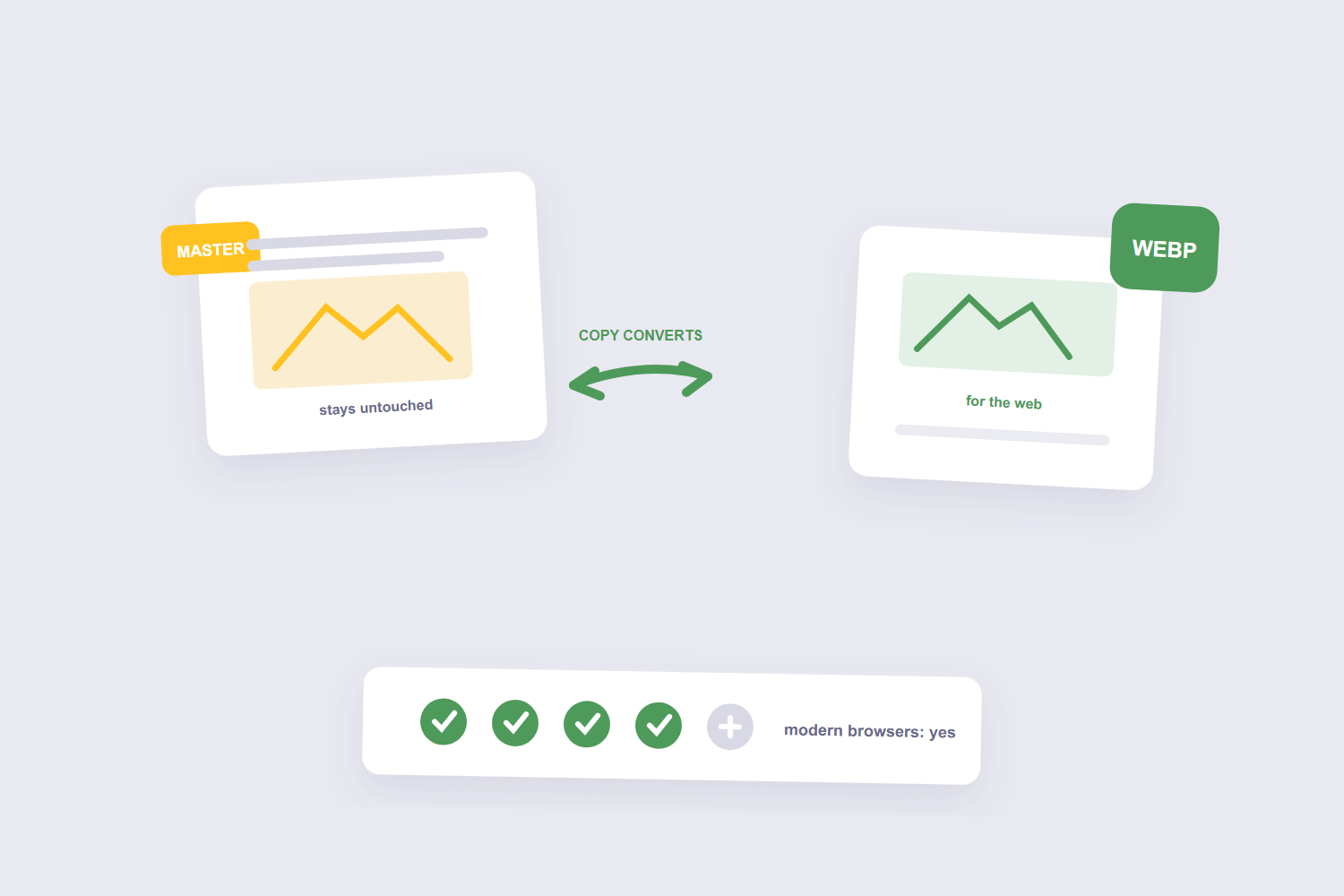
| Your archive / master copies | Original format | Masters never convert — outputs do |
That last row is the habit that saves headaches: WebP is a delivery format. Your originals stay in whatever format they were; you convert copies for the web. Going back from WebP to JPG is always possible (our image converter handles round trips), but each lossy generation costs a little quality, so the master stays untouched.
Frequently Asked Questions
What is a WebP file, simply?
A modern image format from Google that does everything JPG and PNG do — photos, transparency, even animation — with smaller files. It’s the format much of the web silently serves you already.
Does converting to WebP lose quality?
WebP offers both lossy and lossless modes. At typical quality settings there’s a small, invisible loss — the same trade JPG makes, just with less of it for the same file size.
Can every device open WebP images?
All modern browsers can, and Safari since version 14. Very old software and some specialized offline tools can’t — which is why forms and portals asking specifically for JPG should get JPG.
How much smaller is WebP than JPG, really?
Google’s benchmarks say 25–34% at equal quality; independent tests land slightly lower for some image types. The honest version: noticeably smaller, occasionally only slightly smaller — convert and compare for your actual images.
Does WebP support transparency like PNG?
Yes — and that’s one of its genuine advantages over JPG, which never has. A transparent logo can become a much smaller transparent WebP.
Is it safe to convert images online?
With a browser-based tool, the images never leave your device — there’s no upload to think about. That’s the route for anything private or client-owned.
Convert copies, keep masters, compare sizes. If the smaller files still need a final trim, the image compressor squeezes further — and our resize guide covers the dimension side of the same speed equation.
