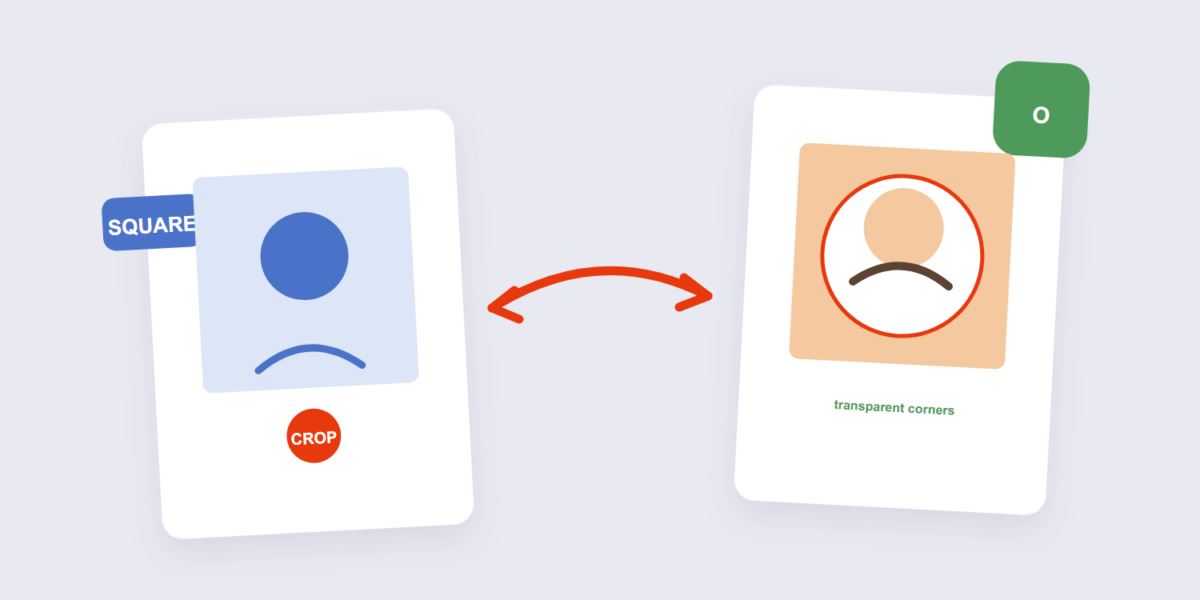
Squares betray you. You upload a perfectly composed square photo as a profile picture, and the platform crops it into a circle — cutting the corners and, with them, whatever you placed there. Doing the circle crop yourself puts the framing decision in your hands.
This guide covers the crop with our Circle Crop tool, the center-third rule for profile pictures, and where circular images are actually needed as files (versus where the platform does it for you).
How to Crop an Image in a Circle Online Free (3 Steps)
- Add the image. Drop it into the Circle Crop tool — processed on your device.
- Position the circle. Drag and resize the circular frame until your subject sits centered inside it.
- Apply and download. A circular PNG comes out — corners transparent, ready for any use.
The Center-Third Rule for Profile Pictures
Profile pictures render small and circular, and platforms apply their own circle mask over whatever you upload. The rule that survives every platform: the subject’s face should occupy the middle third of the circle, with clear space around it. Corners of the crop get masked away on the edges, so anything placed there disappears. Check how the crop looks at thumbnail size before committing — details that read at full size vanish at 40 pixels.
Why the Output Is a Transparent PNG
The circle crop outputs a PNG with transparent corners — that’s the format doing its job (a JPG can’t store transparency, as our PNG to JPG guide warns). The transparent corners mean the circular image drops cleanly onto any background: white pages, colored headers, dark themes. Only convert the circle-cropped PNG to JPG if the destination demands it — and then the corners fill with white.
Frequently Asked Questions
Does circle cropping reduce quality?
No — the pixels inside the circle are untouched. The image simply becomes circular, with the corners removed.
What size should a circular profile picture be?
At least 400×400 pixels for clarity at typical display sizes; 800×800 if it’s used large. The tool preserves resolution inside the crop.
Can I circle-crop on my phone?
Yes — the tool works in mobile browsers with the same circular frame controls.
Center the subject, mind the thumbnail, download the transparent PNG. If the avatar also needs resizing for a specific platform, the resize tool pairs with it.
