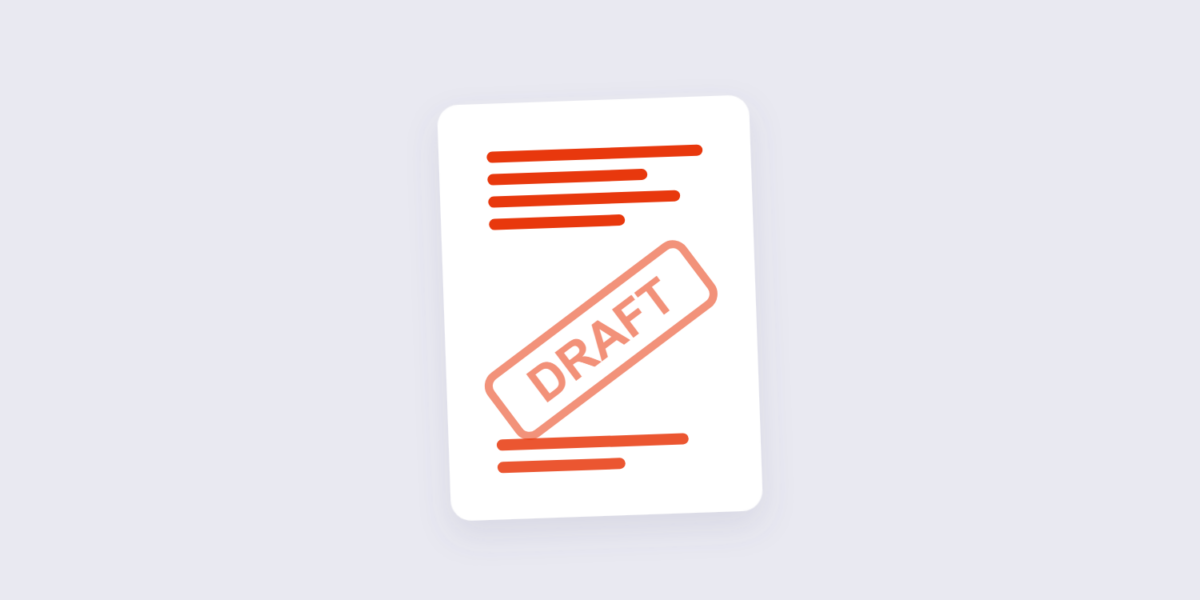
Two documents should always carry a watermark: the version you’re still arguing about, and the version nobody’s supposed to forward. A gray “DRAFT” across page one has killed more accidental sends than any policy memo, and a “CONFIDENTIAL” stamp is the cheapest tripwire a document can carry.
Adding one takes a minute with our watermark tool — text or a logo image, your choice of position, opacity, and rotation. This guide covers the settings that actually matter (there are three), the difference a watermark makes and, honestly, the one it doesn’t, and when to use an image instead of text.

How to Add a Watermark to a PDF Online Free (3 Steps)
- Add the PDF. Drop the file into the Watermark PDF tool. Everything runs in your browser — the document never leaves your device.
- Choose text or image, then tune it. Type your watermark text (or drop in a logo), pick the position, set the opacity, and rotate it if you want the diagonal look. Page range settings let you stamp every page or just the first.
- Apply and download. The watermark is burned onto the pages you chose. Check one page on screen before sending — the difference between 30% and 60% opacity looks obvious on the second look.
The Three Settings That Actually Matter
Watermark panels love sliders, but the output is decided by three choices:
| Setting | What the consensus says | Use it for |
|---|---|---|
| Angle | 45° diagonal, centered — the classic stamp recipe | DRAFT / CONFIDENTIAL text |
| Opacity | 30–50% — visible but readable under | Anything the reader must still read |
| Color | Gray for neutral, red for alarm | Gray = internal; red = legal/privileged |
One refinement from legal-document practice: privileged material gets a serif font at lower opacity (around 30–35%) so the stamp is unmistakable without fighting the text. And stamp every page, not just the first — a DRAFT on page one doesn’t survive page four being screenshotted.

What a Watermark Does — and Doesn’t — Protect
Honest version, because tool pages oversell this constantly. A watermark does: announce status at a glance, make casual forwarding embarrassing, make misuse traceable (“this came from the July draft”), and signal that the sender is paying attention. A watermark does not: stop copying — the text under it remains selectable, and any editor can remove the stamp from a file it possesses.
So pair the stamp with the protection that matches the threat. If the concern is opening by the wrong person, encrypt the file — our password protection guide covers real AES-256 encryption. If the concern is a printed deck walking out of a meeting, the watermark is exactly the right tool: it doesn’t prevent anything, it identifies everything.
Text or Logo Image?
Text stamps carry status — DRAFT, CONFIDENTIAL, SAMPLE, COPY. Logo images carry ownership, and they’re the right choice for anything client-facing: proposals, price lists, portfolios that tend to travel. A small, semi-transparent logo in a corner reads as professional; the same logo diagonally across the page reads as territorial. The tool accepts an image file with its own rotation and opacity settings, so both styles come out of the same workflow.
One design tip from watching a lot of watermarked documents go by: if the watermark fights the content, opacity is too high. The reader should register the stamp in one glance and then forget it — the document’s text is still the main event.
Frequently Asked Questions
What opacity should a DRAFT watermark be?
Between 30% and 50%. Bold gray text at 40% diagonally across the page is the most-cited combination — clearly visible, still readable underneath. Go lower and it disappears in print; higher and it obscures the content.
Can I add a watermark to only the first page?
Yes — the page range setting controls which pages get stamped. Full-document stamps are the safer default for status marks, but first-page-only suits cover sheets and letterheads.
Does a watermark prevent someone from copying my PDF?
No. Text under a watermark stays selectable, and anyone holding the file can remove the stamp. Watermarks identify and deter; encryption actually restricts. Use both when it matters.
Can I use my company logo as the watermark?
Yes — switch the tool to image mode and drop in a PNG or JPG. Corner placement at low opacity is the professional look; the diagonal treatment is for warnings, not branding.
How do I remove a watermark from a PDF?
If it’s your file, keep the pre-watermark original — that’s the clean route, and it’s why originals are worth keeping. A watermark added as page content can be covered or cropped around, but anyone editing stamps off files they shouldn’t have is beyond what any tool page can police.
Will the watermark show when the PDF is printed?
Yes — the stamp is part of the page content, so it prints exactly as it appears on screen. That’s the point: the paper copy carries the same warning as the file.
Stamp it, check one page, send it. If the document is heading out the door with something to hide, the encryption guide is the next read — and the Protect PDF tool is one click away.
