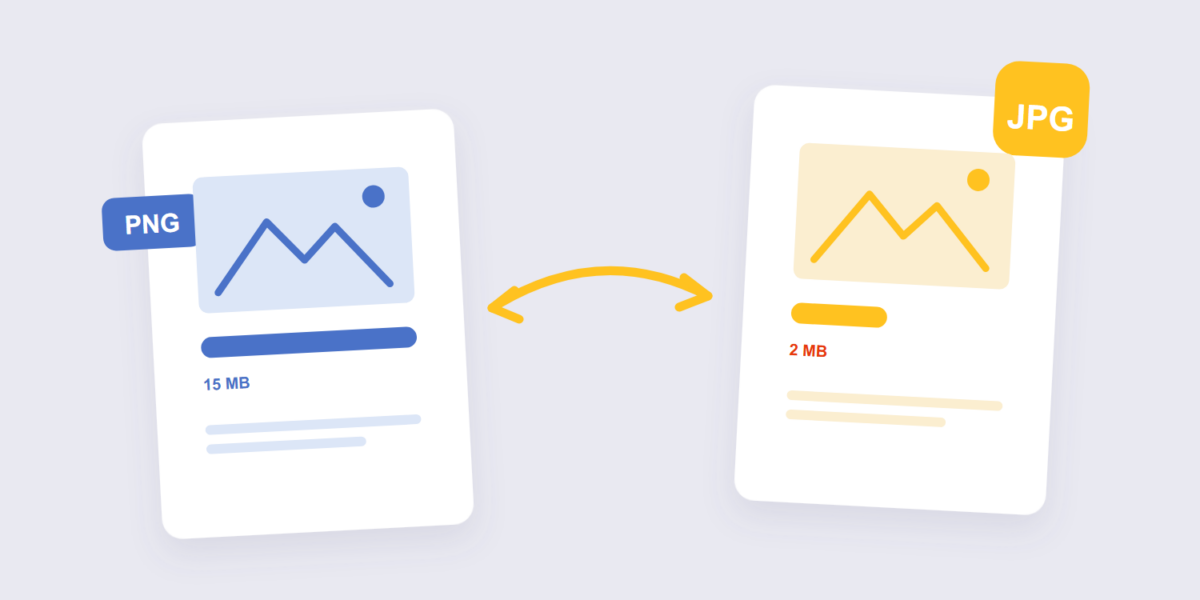
PNGs are the packrats of image formats: flawless quality, and file sizes to match. That’s a feature when the image is a logo or a screenshot with sharp text — and dead weight when it’s a photo you’re about to email, upload, or post somewhere with a strict size limit. Converting PNG to JPG trades quality you won’t miss for size you will notice.
It’s a two-minute job with our PNG to JPG converter, and it runs entirely in your browser. This guide covers when converting is the right call, the transparency trap that turns clean graphics into white-boxed disappointments, and the quality setting that decides how small “smaller” gets.
How to Convert PNG to JPG Online Free (3 Steps)
- Add the images. Drop one PNG or a whole folder’s worth into the PNG to JPG tool. Batch conversion works, and nothing is uploaded — the conversion happens on your device.
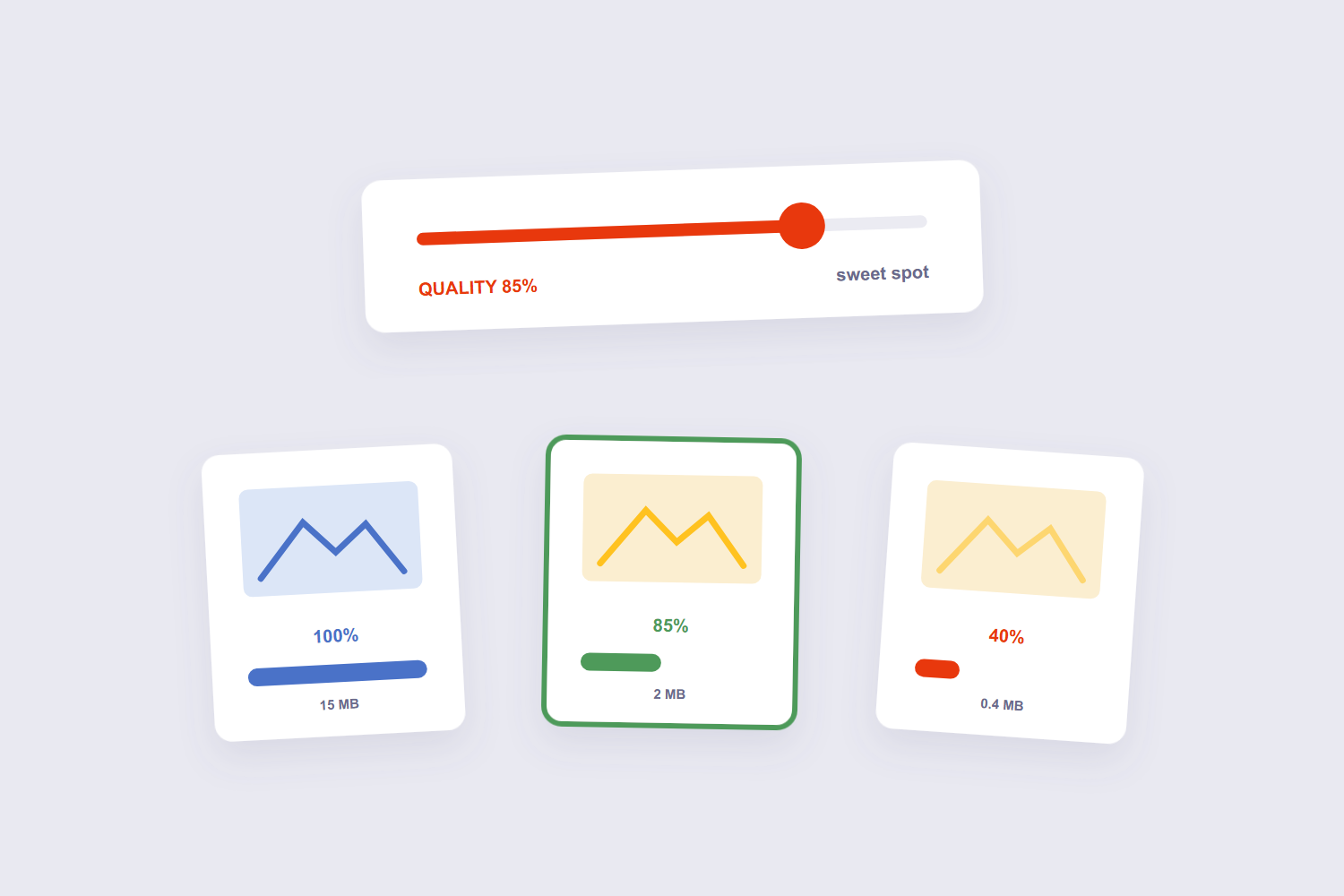
- Pick a quality level. Around 80–90% is the sweet spot for photos: visually identical, dramatically smaller. Lower only when file size matters more than fidelity.
- Convert and download. Same images, same dimensions, JPG format. One file comes back as a JPG; many files arrive together.
Why JPG Files Are Smaller
The two formats compress differently, and the difference is philosophical. PNG is lossless — every original pixel survives, which is why designers love it and why a 4000-pixel photo can weigh 15 MB. JPG is lossy — it discards detail your eye barely registers, which is why the same photo lands at 2 MB. Adobe’s format comparison frames the split exactly this way: PNG for graphics and text, JPG for photographs.
Where that leaves you practically: a photo saved as PNG is wasting most of its file size on precision nobody sees, and TechSmith’s breakdown reaches the same conclusion — photographic content belongs in JPG. A screenshot or a logo with hard edges is the opposite case: keep it PNG, because JPG’s compression smudges exactly those edges.
The Transparency Trap
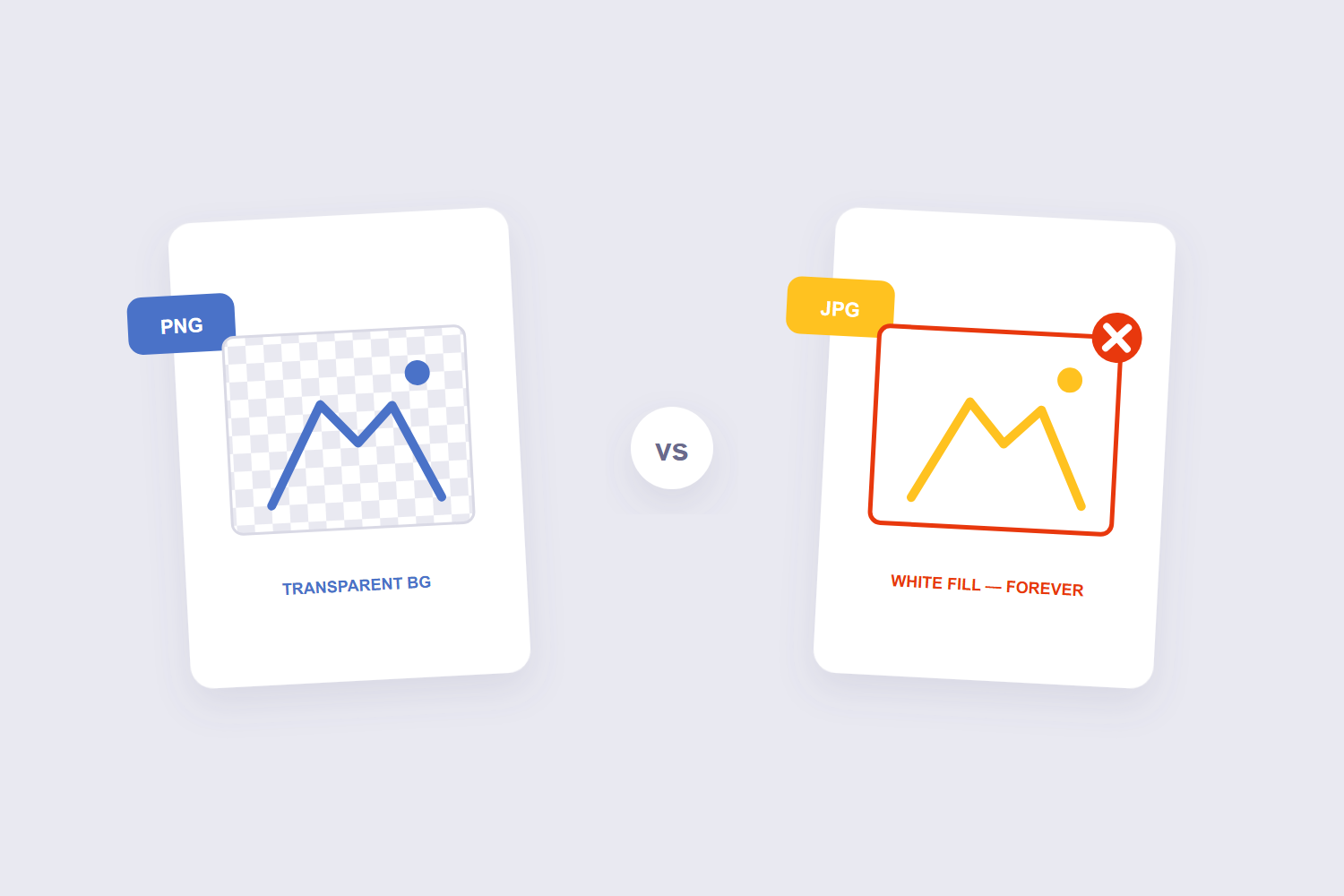
This is the one way to get the conversion badly wrong. PNG supports transparent backgrounds — that’s half its reason for existing. JPG has no concept of transparency at all: convert a transparent logo to JPG and the background becomes solid white, permanently. There’s no undo, because the information was discarded.
The five-second check: does your image sit on a checkerboard background in a viewer, or does it need to overlay something else later? Then keep it PNG. If it’s a photo or an image that lives inside a white page anyway, convert freely — the “background” JPG creates is indistinguishable from the one it had.
The Quality Setting, in Plain Numbers
| Quality | What happens | Use for |
|---|---|---|
| 90–100% | Nearly invisible difference, moderate savings | Photos you’ll print or re-edit |
| 75–90% | The sweet spot — big savings, quality holds | Sharing, web uploads, email |
| Below 60% | Visible smudging, especially on edges | Tiny thumbnails only |
One rule worth internalizing: JPG damage is cumulative. Every re-save of a JPG re-compresses it, so convert once from the PNG original and keep the original — future edits should always start from the lossless file.
Frequently Asked Questions
Does converting PNG to JPG lose quality?
Technically yes — JPG is lossy, so the conversion discards some data. At 80–90% quality the difference is invisible in normal use. The trade is deliberate: smaller files for quality you weren’t going to perceive anyway.
Why did my transparent background turn white?
Because JPG can’t store transparency — the converter fills transparent areas with white. That’s the reason logos and overlay graphics should stay PNG. Some tools let you pick a different fill color; ours fills white, which matches most use cases.
Can I convert PNG back to JPG and back again without loss?
No. Every JPG save discards data. PNG → JPG → PNG gives you a PNG-sized file containing JPG damage. Keep the original PNG as your master copy and treat JPGs as distribution copies.
Should screenshots stay PNG?
Usually — screenshots are full of sharp text and flat colors, exactly what JPG compression smears. Convert a screenshot to JPG only when its size matters more than its crispness, and expect softer text.
Can I convert several PNGs at once?
Yes — the tool takes batches, applies the same quality setting to all, and processes everything locally in your browser. No per-file upload queue.
Does this work on my phone?
Yes — it’s a browser tool, so Safari and Chrome on mobile handle it identically. Converting a photo before emailing it from the phone is the most common use.
Convert once, keep the PNG original, mind the transparency. If your images are headed into a document instead, the JPG to PDF tool assembles them — and our JPG to PDF guide covers that workflow.
