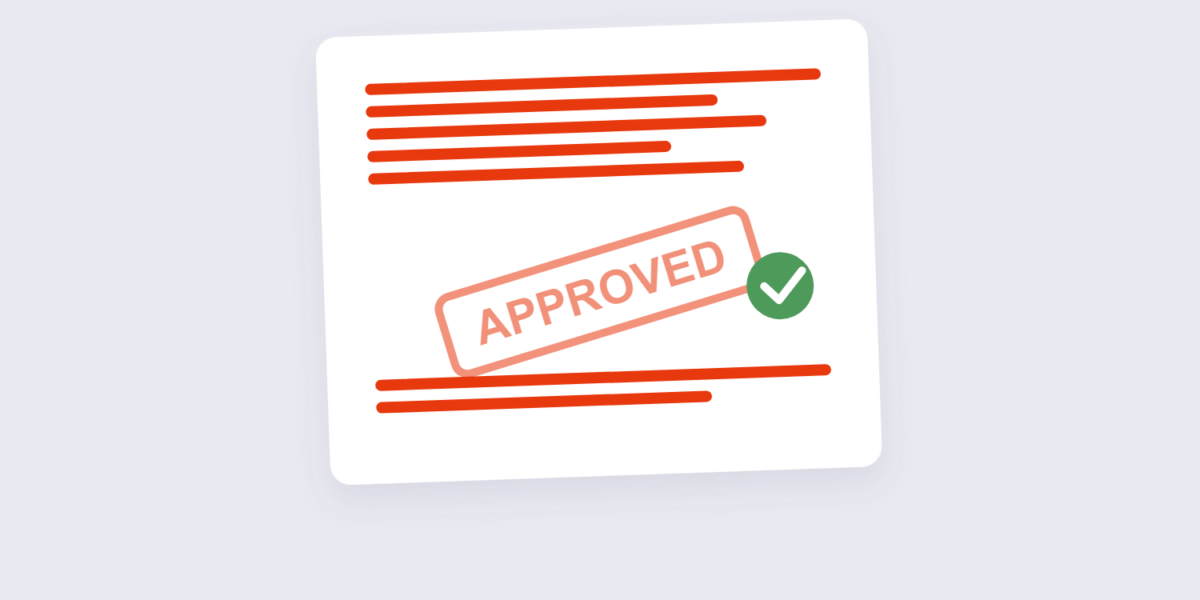
A stamp on a PDF does what a rubber stamp did on paper: marks the document with a status, a date, or an approval that travels with the file. Every page carries the mark — the document self-declares its state to anyone who opens it.
This guide covers stamping with our PDF Stamp tool, the stamp types that read as official (and the ones that don’t), and how stamping pairs with encryption for a complete document workflow.
How to Stamp a PDF Online Free (3 Steps)
- Add the PDF. Drop it into the PDF Stamp tool — browser-based, nothing uploaded.
- Design the stamp. Choose text or an image stamp, set the position (corner, center, diagonal), opacity and color. Page range controls which pages get stamped.
- Apply and download. The stamp becomes part of the page content on every page you selected.
Stamp Types That Read as Official
| Stamp text | Color | Message |
|---|---|---|
| APPROVED | Green | Reviewed and cleared |
| CONFIDENTIAL | Red | Restricted distribution |
| DRAFT | Gray | Work in progress — don’t circulate |
| RECEIVED + date | Blue | Proof of submission timing |
| VOID / CANCELLED | Red | Invalidates the document |
The opacity and color rules follow the same principles as our watermark guide: visible enough to read, transparent enough not to fight the content.
Frequently Asked Questions
What’s the difference between a stamp and a watermark?
They use the same mechanics but carry different intent: a watermark communicates ownership or status (“DRAFT”, a company logo); a stamp communicates a specific action or state (“APPROVED”, “RECEIVED + date”). Same tool, different vocabulary.
Can I stamp every page of a PDF?
Yes — the page range setting stamps all pages, the first page only, or a specific subset. For status marks, all pages is the standard; for received-date stamps, the first page suffices.
Is the stamp permanent?
Yes — once applied, the stamp is page content, exactly like typed text. A password-protected PDF with the stamp still shows it (unless the file is re-edited by someone with editing tools, which is why encryption matters for sensitive documents).
Stamp the status, lock the file, distribute. The Protect PDF tool adds the encryption layer — and the password protection guide covers why both steps matter.
