Quick answer: Open our PDF to PDF/A tool, drop in the PDF, and download an archival copy — browser-based, nothing uploaded. PDF/A…
PDF Tools
How to Convert PDF to PDF/A Online Free (Archival Format)
Step-by-step tutorials written from actually testing our 282 tools and researching what other guides miss - merge, convert, compress, protect, and more.
Quick answer: Open our PDF to PDF/A tool, drop in the PDF, and download an archival copy — browser-based, nothing uploaded. PDF/A…

Quick answer: Open our Base64 Codec, paste text or a file, and encode or decode instantly — browser-based, nothing uploaded. Base64 isn’t…

Quick answer: Open our File Hash tool, drop in any file, and get its MD5, SHA-256 and SHA-1 fingerprints instantly — browser-based,…
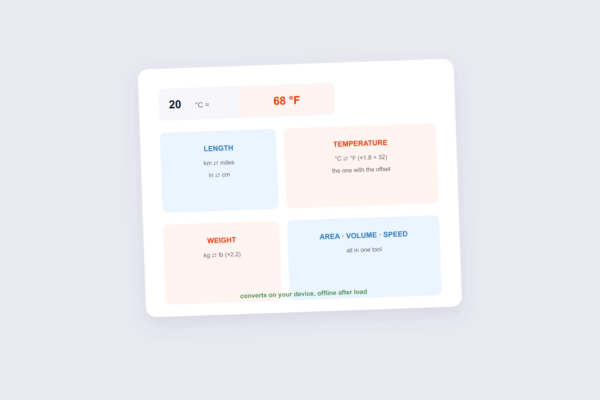
Quick answer: Open our Unit Converter, enter a value, pick the units, and get the conversion instantly — browser-based, no ads interrupting…

Quick answer: Open our Text Case tool, paste your text, pick the case, and copy it back — instant, browser-based, private. UPPERCASE,…
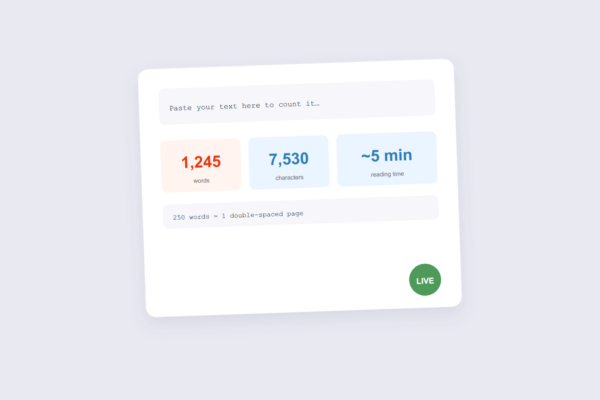
Quick answer: Open our Word Counter, paste your text, and get an instant count of words, characters, sentences and reading time —…
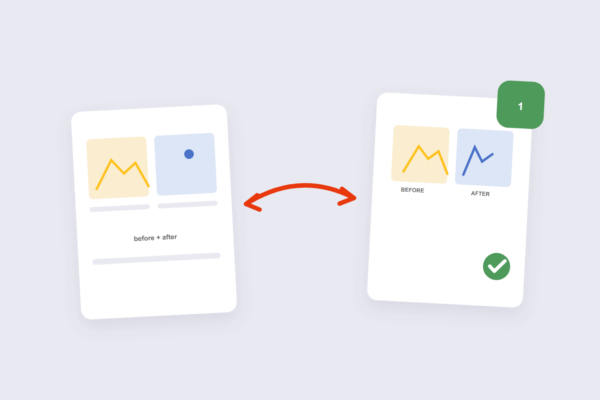
Quick answer: Open our Combine Images tool, drop in two or more images, choose the direction (side-by-side or stacked), and download one…
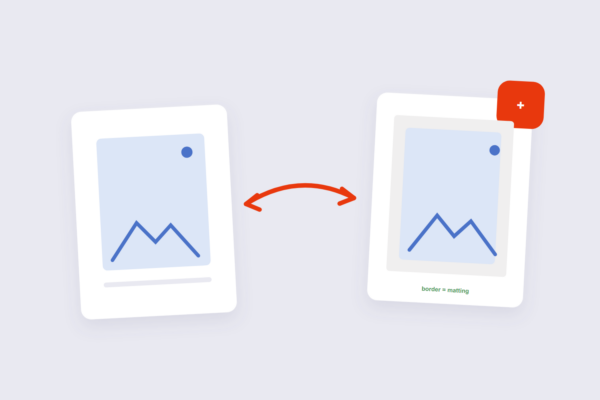
Quick answer: Open our Add Border tool, pick the width and color, and download — browser-based, nothing uploaded. Borders work on the…
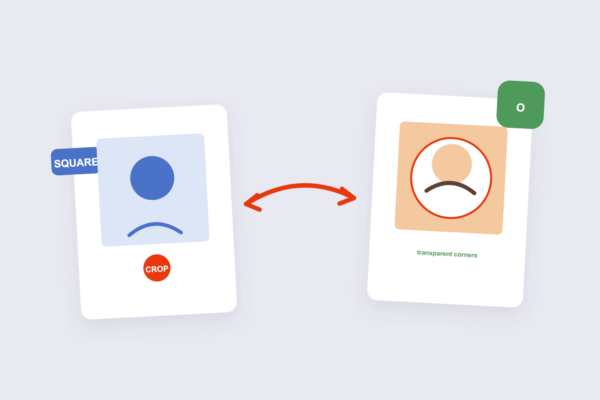
Quick answer: Open our Circle Crop tool, position the circle over your subject, and download — browser-based, nothing uploaded. Every profile picture…
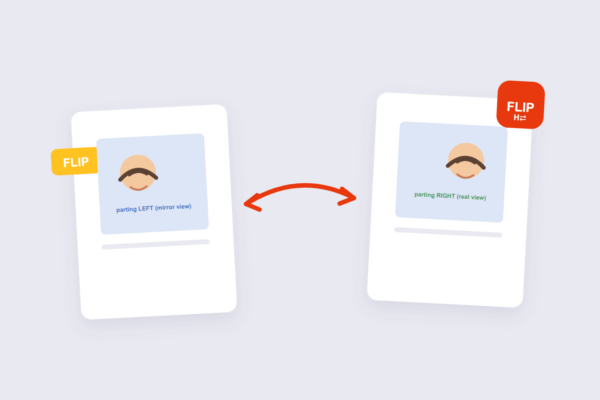
Quick answer: Open our Flip Image tool, choose horizontal or vertical flip, and download — browser-based, nothing uploaded. One warning before you…
Step-by-step tutorials for PDF and image tasks - merging, splitting, compressing, converting, protecting and editing files - written from actually testing the tools.
Yes - every guide is completely free, with no signup and no paywall.
Yes - every guide links directly to the exact free tool used in the steps, so you can follow along as you read.
Yes - both the guides and the tools work in any modern browser on mobile, tablet and desktop.
New guides are added regularly, covering the file tasks people search for most.
The iLovePDF team writes and tests every guide on this site, including the settings and gotchas other tutorials skip.