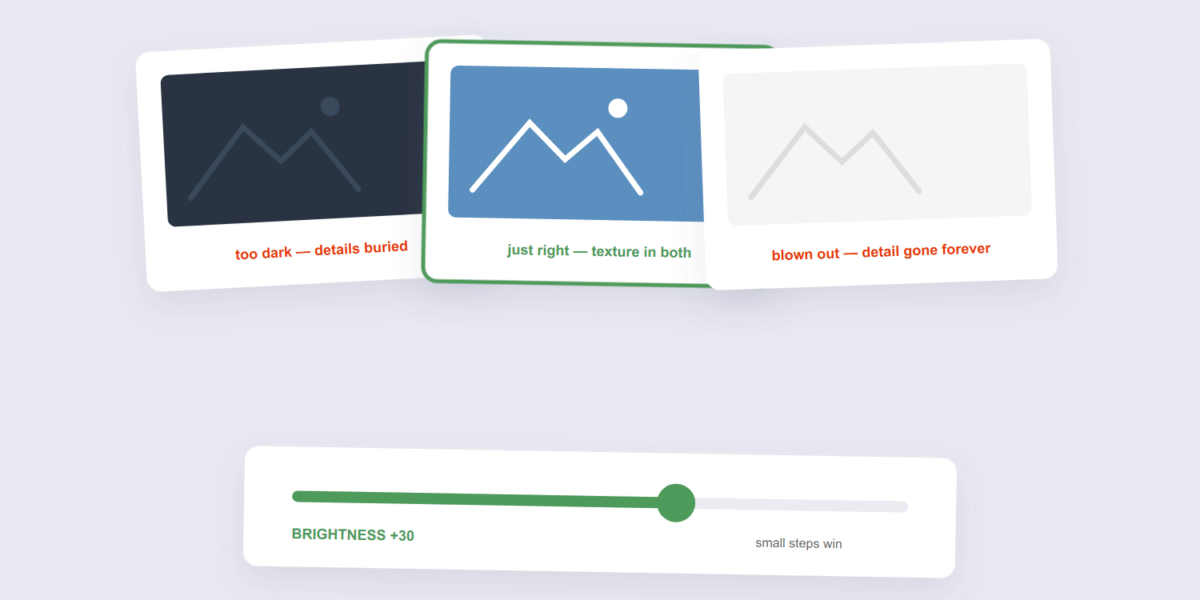
Quick answer: Open our Brightness Image tool, drop in the photo, adjust the slider until it looks right, and download — browser-based,…
PDF Tools
How to Adjust Image Brightness Online Free (The Two-Tell System)
Step-by-step tutorials written from actually testing our 282 tools and researching what other guides miss - merge, convert, compress, protect, and more.
Quick answer: Open our Brightness Image tool, drop in the photo, adjust the slider until it looks right, and download — browser-based,…
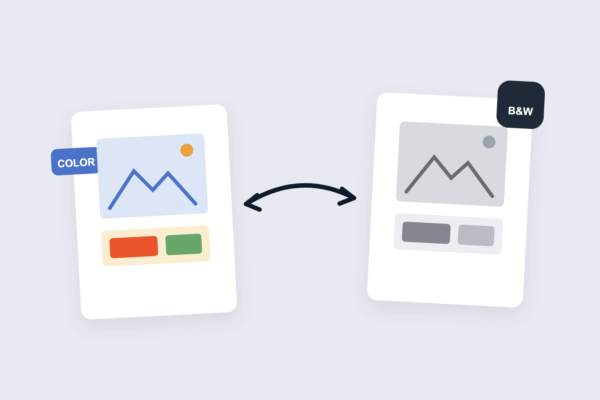
Quick answer: Open our Grayscale Image tool, drop in the photo, and download the black-and-white version — browser-based, nothing uploaded. The pro…
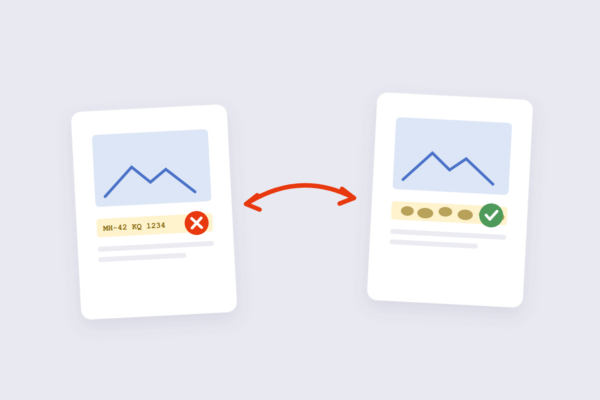
Quick answer: Open our Blur Image tool, drop in the photo, pick the blur strength, and download — browser-based, nothing uploaded. Blur…

Quick answer: Open our Sharpen Image tool, drop in the photo, adjust the sharpening strength, and download — browser-based, nothing uploaded. The…

Quick answer: Open our Rotate Image tool, turn the photo in 90° steps or flip it, and download — it runs in…

Quick answer: Open our GIF Maker, drop in your images in order, set the frame delay, and download the GIF — it…
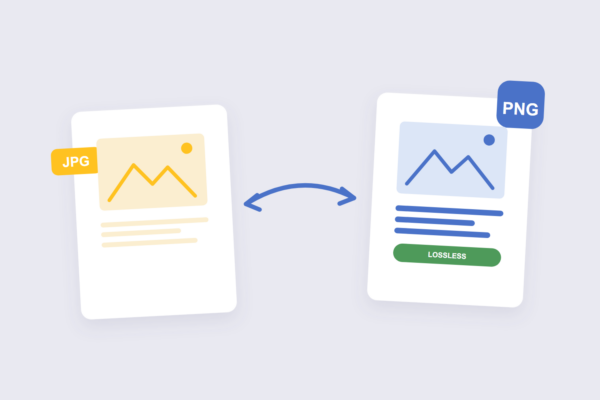
Quick answer: Open our JPG to PNG tool, drop in your images, and download PNG copies — it runs in your browser,…
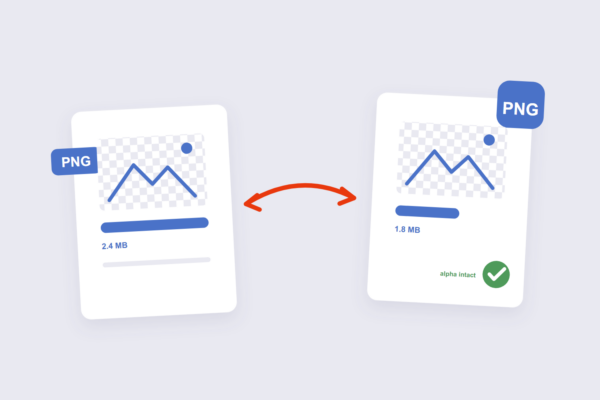
Quick answer: Open our Compress PNG tool, drop in your files, and download smaller PNGs with transparency fully intact — it runs…
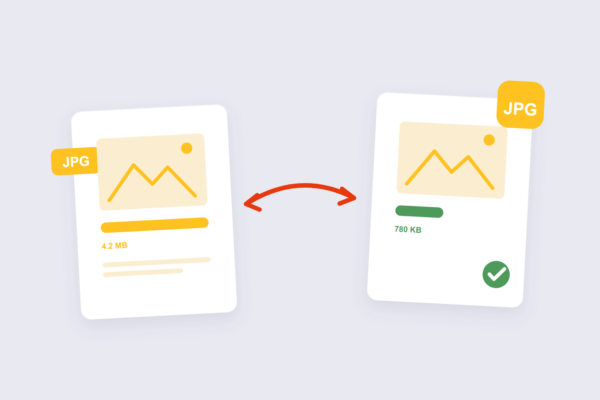
Quick answer: Open our Compress JPG tool, drop in your images, and download smaller files — it runs in your browser, so…
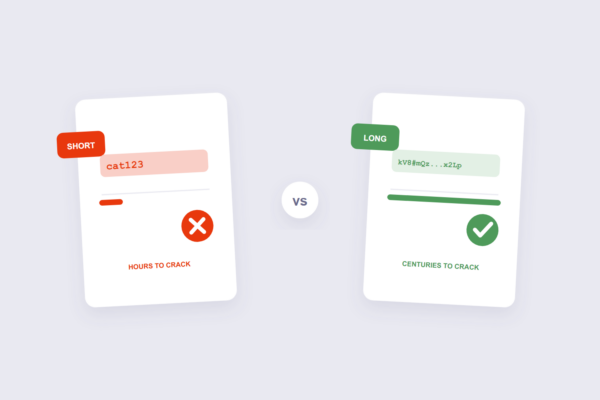
Quick answer: Open our Password Generator, set the length, generate, and store the result in a password manager — the tool runs…
Step-by-step tutorials for PDF and image tasks - merging, splitting, compressing, converting, protecting and editing files - written from actually testing the tools.
Yes - every guide is completely free, with no signup and no paywall.
Yes - every guide links directly to the exact free tool used in the steps, so you can follow along as you read.
Yes - both the guides and the tools work in any modern browser on mobile, tablet and desktop.
New guides are added regularly, covering the file tasks people search for most.
The iLovePDF team writes and tests every guide on this site, including the settings and gotchas other tutorials skip.